 CryptoChain Blog
Introduction to Mobile NFT Optimization in 2026
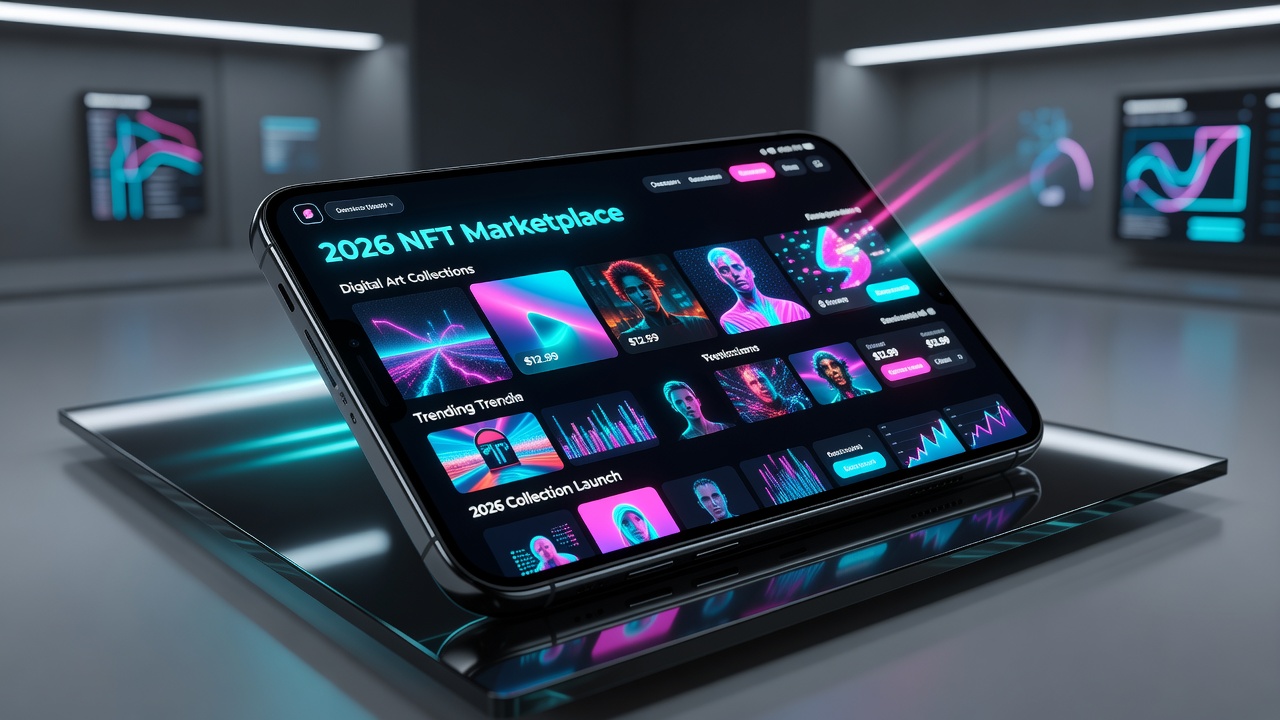
Mobile interfaces have become the dominant way users interact with NFT marketplaces, offering convenience and speed for trading digital assets on the go. In 2026, advanced optimizations focus on app responsiveness, real-time alerts, and secure integrations to meet the demands of power users. This guide covers practical techniques for enhancing mobile NFT experiences across leading platforms. Traders now expect sub-second interactions even during peak market hours, making optimization essential for staying competitive in a fast-evolving space.
Key areas include benchmarking app performance, crafting effective push notification strategies, and achieving seamless wallet connections. Real-world examples from platforms like OpenSea demonstrate how these features reduce transaction times and improve discovery. Users searching for mobile-specific advice often face challenges like fragmented device ecosystems and varying network conditions, which this article addresses with actionable steps and comparisons. By focusing on advanced techniques, power users can unlock faster transactions and superior on-the-go discovery without compromising security.
App Performance Benchmarks for NFT Marketplaces
Performance benchmarks in 2026 emphasize load times under three seconds for gallery views and sub-two-second transaction confirmations. Developers prioritize optimized rendering for high-resolution NFT previews to avoid lag on mid-range devices. Tools like Lighthouse audits help identify bottlenecks in JavaScript execution during marketplace navigation. For example, testing on popular devices reveals that caching strategies can improve repeat visits by up to 40 percent. Power users should monitor metrics such as time-to-interactive and first-contentful-paint to ensure smooth scrolling through large collections. In practice, marketplaces that implement progressive web app elements see better retention rates among mobile traders who frequently switch between apps and browsers.
Another critical benchmark involves handling concurrent bids and listings without crashes. Real-world testing on flagship smartphones shows that optimized apps maintain 60 frames per second during AR-enabled previews. Developers often integrate lazy loading for images and efficient database queries to support thousands of assets in a single session. Users can apply these insights by choosing marketplaces that publish their performance reports or by using device settings to limit background processes during trading.
Push Notification Strategies for Timely Alerts
Effective push notifications in NFT apps balance frequency and relevance to avoid user fatigue. Strategies include segmenting alerts by collection interest and market volatility thresholds. For instance, notifications for floor price changes above 5 percent keep traders informed without overwhelming inboxes. Advanced setups allow customization based on user behavior patterns, such as sending alerts only during active trading hours identified through analytics.
Marketers and developers alike recommend A/B testing notification copy to maximize engagement. Notifications that include direct links to specific listings convert better than generic market updates. In 2026, integration with smart contract events enables hyper-personalized alerts triggered by on-chain activity like new bids from verified collectors.
Step-by-Step Guide to Setting Up Mobile Alerts
- Open your preferred NFT marketplace app and navigate to account settings.
- Enable push notifications and select categories like new listings or bids.
- Customize thresholds, such as price alerts for specific tokens.
- Test the setup by simulating a market event to confirm delivery.
- Review analytics within the app to refine segments over time.
Seamless Wallet Integrations Across Platforms
Wallet integrations have evolved to support one-tap connections via deep linking and biometric confirmation. Leading apps now integrate with multiple providers, allowing users to switch between wallets without re-authentication. This reduces friction during high-speed trading sessions. For example, connecting a hardware-backed mobile wallet can be completed in under 30 seconds on optimized interfaces, with automatic gas fee estimation displayed upfront.
Power users benefit from multi-wallet dashboards that aggregate balances across chains. Security features such as session timeouts and transaction previews prevent accidental approvals. Platforms that support both custodial and non-custodial options give traders flexibility depending on their risk tolerance and volume of activity.
iOS vs Android Marketplace Features Comparison
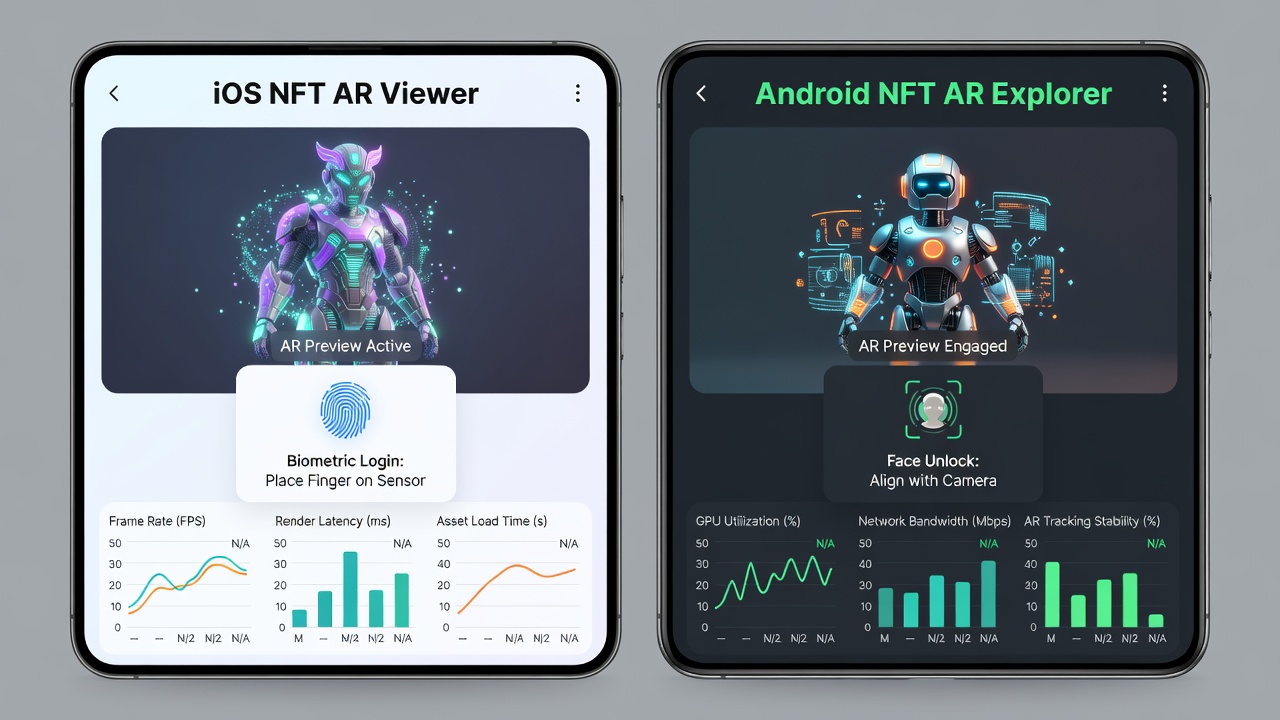
iOS marketplaces excel in ecosystem security and App Store compliance, offering refined ARKit support for previews. Android platforms provide greater customization through open APIs and flexible notification channels. Real-world testing shows Android apps often achieve faster sideload updates, while iOS delivers superior battery efficiency during prolonged browsing. iOS users enjoy tighter integration with system-level privacy controls that limit data sharing during wallet connections.
- iOS: Stronger biometric defaults and App Tracking Transparency features.
- Android: Better support for custom gestures and background processes.
- Cross-platform tip: Test both ecosystems with the same wallet seed phrase to compare transaction speeds under identical network conditions.
Examples from major marketplaces illustrate that iOS versions frequently lead in AR rendering quality, while Android versions allow more granular control over notification sounds and priorities. Traders who switch devices regularly should verify feature parity before committing to a primary platform.
Emerging Trends: AR Previews and Biometric Security
Augmented reality previews allow users to visualize NFTs in real-world environments before purchase, enhancing decision-making. Biometric enhancements like facial recognition and fingerprint scanning add layers of security, minimizing unauthorized access risks during mobile sessions. Apple and Android developers continue refining these for smoother experiences. Additional trends include AI-driven discovery engines that suggest collections based on on-device usage patterns and voice-command trading interfaces for hands-free operation.
These innovations help power users spot undervalued assets quickly while maintaining robust protection against phishing attempts common in mobile environments.
Mistakes to Avoid in Mobile NFT Trading
Common pitfalls include ignoring network permissions that can interrupt live bidding and failing to enable two-factor authentication on linked wallets. Another frequent error is overlooking app update notifications, which often contain critical security patches. Users should also avoid storing large seed phrases in device notes without encryption. Testing transactions with minimal amounts first helps identify interface quirks before scaling up activity.
FAQs on Common Mobile Trading Pitfalls
What causes slow NFT loads on mobile?
Network latency and unoptimized image caching are primary culprits; clearing app cache or switching to Wi-Fi often resolves issues.
How do I secure my mobile wallet?
Enable biometric locks and avoid public Wi-Fi for transactions to prevent interception.
Are AR previews available on all devices?
Compatibility varies; newer models with advanced GPUs handle AR more reliably than older hardware.
What should I do if push alerts stop working?
Check device notification settings and ensure the app has background refresh enabled in system preferences.
Conclusion
Optimizing mobile NFT marketplaces in 2026 requires attention to performance, notifications, and security integrations. By applying these advanced techniques, power users can achieve faster transactions and superior on-the-go discovery. Regular evaluation of new features and device-specific settings ensures continued efficiency as the ecosystem evolves.
No comments yet. Be the first!