 CryptoChain Blog
Introduction to Hardhat for Secure Solidity Development
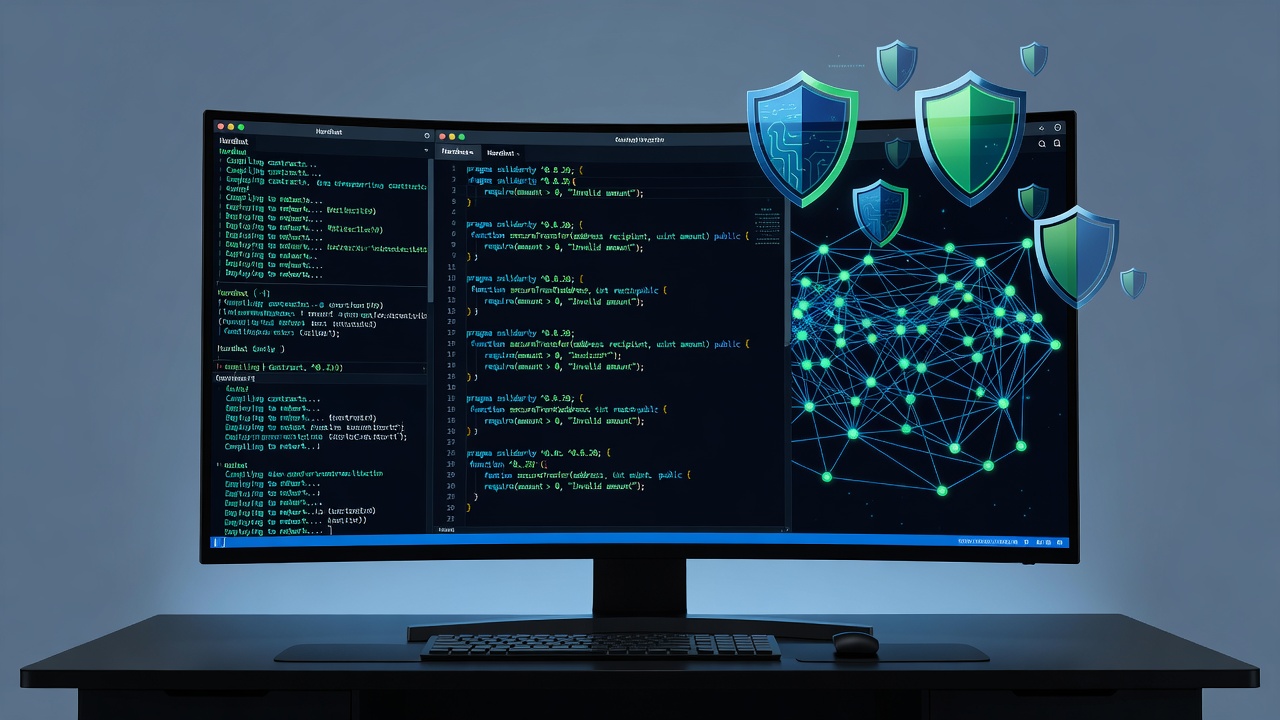
In 2026, building secure smart contracts remains a top priority for Ethereum developers. Hardhat continues to serve as a leading development environment that streamlines compilation, testing, and deployment while integrating robust security tools. This guide provides a comprehensive, hands-on walkthrough of Hardhat workflows focused on vulnerability detection and automated testing. Developers face increasing threats from sophisticated attacks such as reentrancy, flash loan exploits, and access control bypasses, making integrated security practices essential throughout the development lifecycle.
By the end of this article, you will understand how to configure a Hardhat project from scratch, integrate security-focused plugins, write tests that simulate real-world attacks, and deploy contracts safely to testnets. We also cover gas reporting, custom audit tasks, and practical comparisons with alternative tools. The emphasis is on practical steps that reduce risk and improve contract resilience in production environments.
Project Setup and Initial Configuration
Start by initializing a new Hardhat project in an empty directory. Open your terminal and run the following commands to install the core framework:
npm install --save-dev hardhat
npx hardhat init
Choose the TypeScript preset during initialization for improved type safety and better editor support. Next, install essential dependencies including the Hardhat toolbox, ethers for contract interaction, and chai for assertions:
npm install --save-dev @nomicfoundation/hardhat-toolbox ethers chai @types/chai @types/mochaUpdate your hardhat.config.ts file to include network configurations for local development and testnets. Define accounts using environment variables to avoid exposing private keys. Add the solidity compiler version set to 0.8.20 or later to benefit from built-in security features like overflow checks. This foundational setup ensures your environment supports secure development practices from day one and allows seamless integration with testing frameworks.
Integrating Security Plugins for Vulnerability Detection
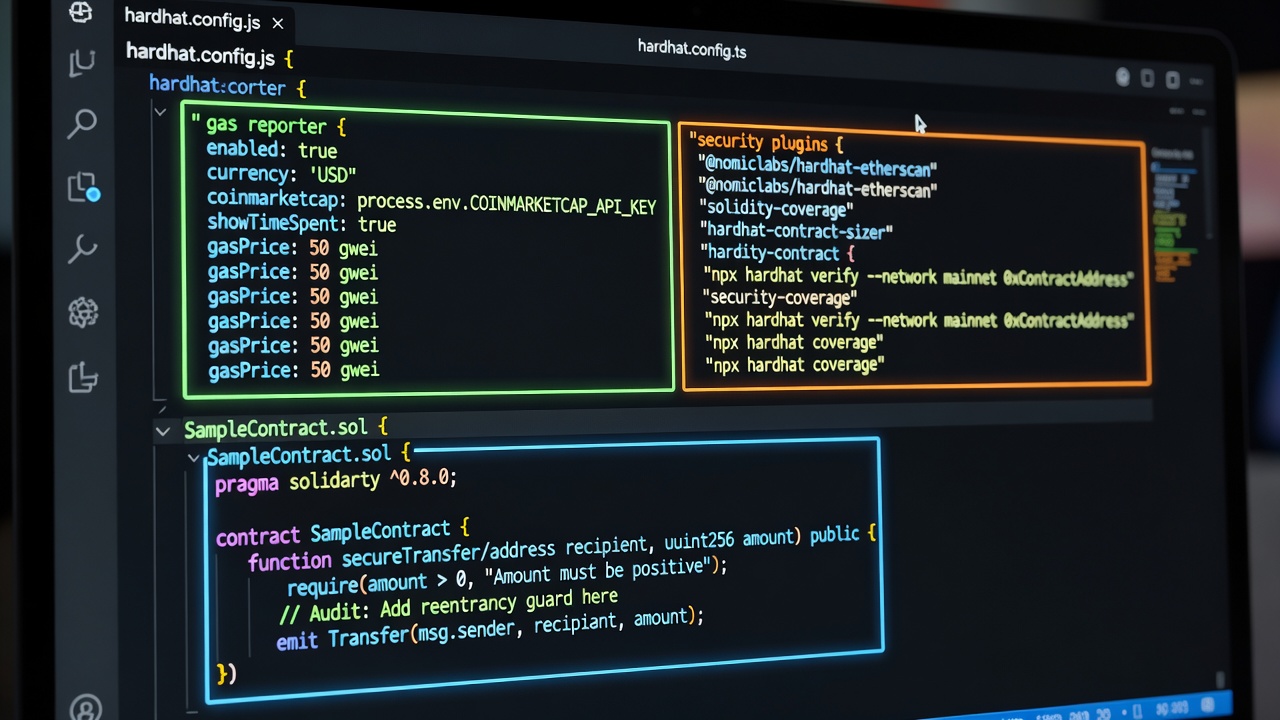
Security plugins extend Hardhat’s native capabilities by adding automated scanning and analysis. Install the Hardhat Security plugin along with Slither for static analysis:
npm install --save-dev hardhat-security slitherConfigure these tools in hardhat.config.ts so they execute automatically during compilation. The plugins can detect common issues including reentrancy vulnerabilities, improper access controls, and potential integer overflows before any manual testing begins. Running these checks early in the workflow saves significant time and prevents costly fixes later in the development process. You can also integrate Mythril for symbolic execution to uncover deeper logical flaws that static tools might miss.
Writing Test Suites That Simulate Attacks
Effective security testing requires simulating malicious scenarios rather than only checking happy-path functionality. Create a sample ERC20 token contract with basic minting and transfer logic, then write comprehensive test suites. For instance, deploy an attacker contract designed to perform reentrancy by recursively calling the transfer function before state updates complete.
Use the following expanded structure in your test file to cover multiple attack vectors:
describe("SecureToken Security Tests", function () {
  let token: SecureToken;
  let owner: Signer;
  let attacker: Signer;

  beforeEach(async function () {
    // deployment logic
  });

  it("should prevent reentrancy attacks", async function () {
    // attacker contract deployment and recursive call simulation
  });

  it("should enforce proper access control on minting", async function () {
    // test unauthorized mint attempts
  });
});
Run the full test suite with npx hardhat test and generate coverage reports using the solidity-coverage plugin. Aim for at least 90 percent branch coverage on all critical functions. Include tests for edge cases such as zero-value transfers, maximum uint256 values, and concurrent transaction scenarios to ensure robustness against timing-based exploits.
Configuring Gas Reporting and Custom Audit Tasks
Enable detailed gas reporting by adding the gas-reporter plugin. This feature highlights functions that consume excessive gas, which can indicate both optimization opportunities and hidden security risks such as unbounded loops. Define custom Hardhat tasks that chain together Slither analysis, Mythril execution, and gas profiling into a single audit command. These tasks can be triggered before every deployment to enforce consistent security standards across the team.
Brief Comparison with Other Tools
While Foundry offers faster test execution and a Rust-based approach, Hardhat excels in its extensive plugin ecosystem and superior debugging experience. Truffle provides similar compilation features but lacks Hardhat’s modern TypeScript support and flexible task system. Choose Hardhat when seamless security integration and community plugins are required. For official documentation, visit Hardhat’s official site.
Common Pitfalls to Avoid
- Skipping static analysis before manual testing, which allows obvious vulnerabilities to reach later stages
- Hardcoding private keys in configuration files instead of using secure environment management
- Ignoring gas limit warnings during deployment, leading to failed transactions or expensive retries
- Using outdated plugin versions that miss newly discovered vulnerability patterns
- Neglecting to verify contracts on block explorers after deployment, reducing transparency and trust
- Writing tests only for positive scenarios without modeling attacker behavior
Safe Deployment to Testnets
Always deploy first to Sepolia or Holesky testnets using verified environment variables for account management. Verify contracts on Etherscan immediately after deployment to enable public inspection. Monitor testnet transactions for unusual activity and maintain detailed logs of each deployment step. Reference Ethereum’s security best practices for additional guidance on secure patterns and common attack vectors.
Best Practices for 2026 Development
Adopt a defense-in-depth strategy by combining automated tools with manual code reviews. Keep dependencies updated and regularly audit third-party libraries. Implement role-based access controls using OpenZeppelin contracts and conduct periodic penetration testing on deployed testnet versions. Document all security decisions and maintain a changelog of fixes applied after each audit cycle.
Frequently Asked Questions
How do I handle secret management in Hardhat?
Use dotenv files loaded at runtime and never commit .env files to version control. Leverage Hardhat’s built-in accounts plugin for generating deterministic test accounts during local development.
Can Hardhat replace formal verification tools?
No, Hardhat complements formal verification tools such as Certora or K framework. Combine both approaches for the most comprehensive security coverage on high-value contracts.
What testnet should I use in 2026?
Sepolia remains the recommended testnet for most developers due to its stability, widespread faucet availability, and close alignment with mainnet conditions.
How often should security scans be run?
Run automated scans on every commit and perform full manual audits before any mainnet deployment or major upgrade.
Conclusion
Adopting these Hardhat workflows significantly reduces the risk of costly vulnerabilities in your Solidity contracts. By combining automated testing, security plugins, and disciplined deployment practices, developers can build resilient decentralized applications. Continue exploring official resources such as Solidity documentation to stay current with evolving best practices and language improvements in 2026.

No comments yet. Be the first!